


 DIFFERENCE

How to Enable Teen Driver Mode on Your Chevy or GMC
Family Safety
By Branden Bodendorfer, Director of Marketing, Wheelers Family Auto Group | August 5, 2026
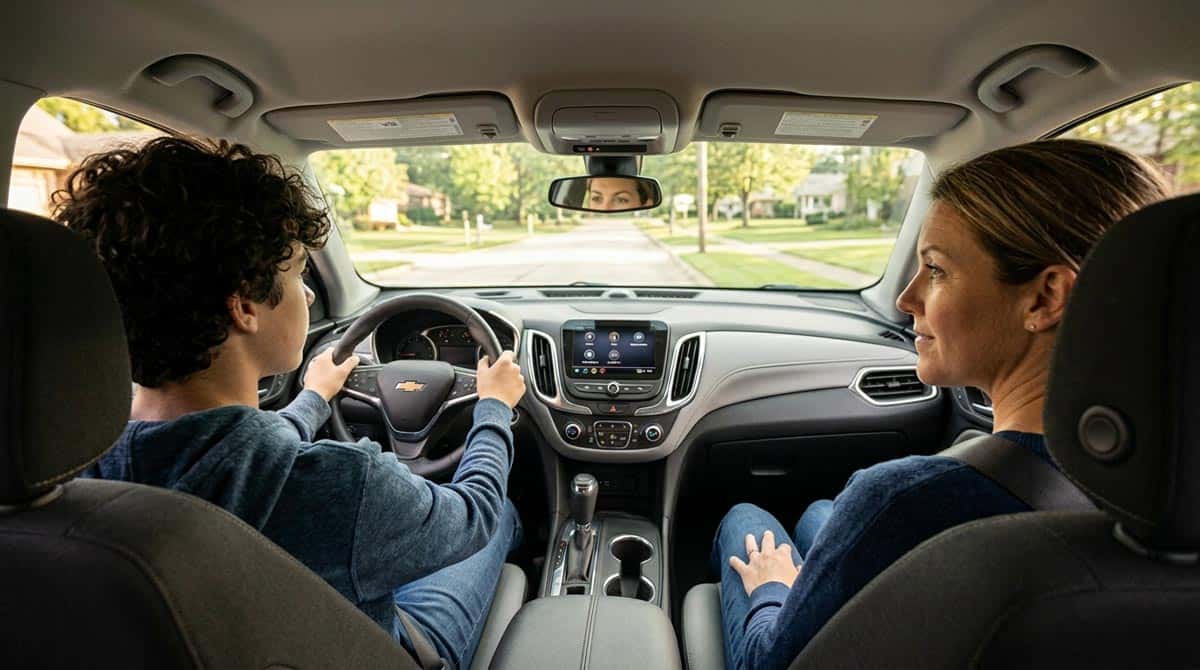
Quick Answer: Teen Driver mode is a free, built-in Chevy and GMC feature that limits speed and volume, keeps key safety systems locked on, and generates a report card of your teen’s driving. Set it up in under five minutes through Settings, Vehicle, Teen Driver on the infotainment screen, tied to a specific key fob.
In This Article
- What Teen Driver Mode Actually Does
- How to Set Up Teen Driver Mode, Step by Step
- What You Can Customize
- What Teen Driver Mode Won’t Let Your Teen Turn Off
- Reading the Teen Driver Report Card
- Chevy vs. GMC vs. Buick: Small Differences to Know
- FAQ
- Quick Checklist: Setting Up Teen Driver Mode Right
- Final Thoughts
Handing a teenager the keys for the first time is a strange kind of relief and dread at the same time. Chevy and GMC have had a quiet answer to that for almost a decade, and a lot of parents who own one of these vehicles have never actually turned it on. Teen Driver mode doesn’t cost anything extra, it doesn’t require an app or a subscription, and it takes about five minutes to set up the first time.
What it does is simple on paper: it ties a specific key fob to a set of rules. Speed limits, volume caps, a seatbelt requirement before the car will move, and safety systems that stay locked on no matter what. What it does in practice is give parents an honest look at how their kid actually drives, not just what they say happened after they get home.
We get asked about this more at the service counter than you’d expect, usually from a parent who just found out their neighbor’s Traverse has been quietly tracking their teenager’s top speed for a year. It’s one of those features that spreads by word of mouth because nobody puts it on a commercial.
What Teen Driver Mode Actually Does
Quick Answer: Teen Driver mode links a designated key fob to a set of speed, volume, and seatbelt rules, keeps certain safety systems permanently active, and builds a report card of driving behavior, all activated automatically whenever that key starts the car.
The system is built around one idea: whoever uses the registered key fob gets the restricted, monitored version of the car, and everyone else drives it normally. That means parents don’t have to remember to turn anything on or off before handing over the keys. Once it’s set up, it just works whenever that specific fob goes into the ignition.
Chevrolet has offered it since 2016, and GMC and Buick added it to their own SUV lineups shortly after, making it standard equipment across most current Chevy, GMC, and Buick models rather than a paid option. That’s worth knowing, because it means most families already own a vehicle with this built in and simply haven’t gone looking for it.
How to Set Up Teen Driver Mode, Step by Step
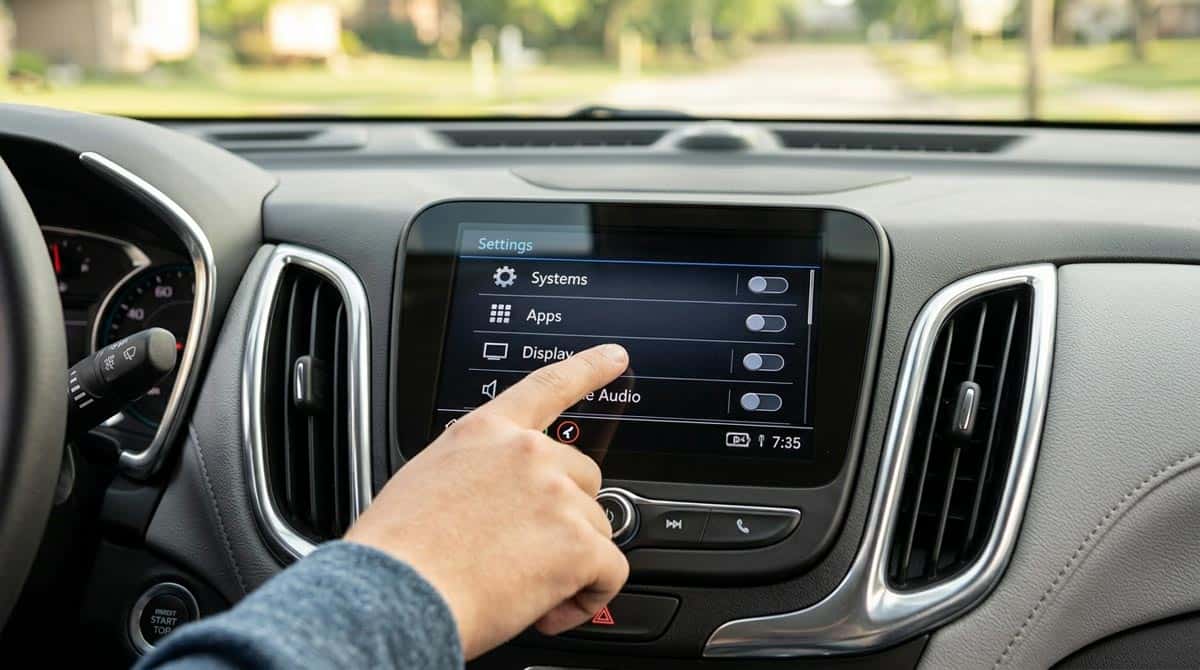
Quick Answer: With the vehicle in Park, go to Settings, Vehicle, Teen Driver on the infotainment screen, create a four-digit PIN, register your teen’s key fob, then configure speed, volume, and Buckle to Drive settings before handing over the keys.
- With the vehicle parked, open Settings on the infotainment screen and select Vehicle, then Teen Driver.
- Create a four-digit PIN. This is what keeps your teen out of the settings menu, so don’t share it and don’t make it their birthday.
- Select Key Registration or Setup Keys, then follow the prompts with your teen’s key fob inside the vehicle. Any fob can be designated; the restrictions follow the fob, not a driver profile.
- Open Manage Settings and configure Speed Warning, Speed Limiter, Audio Volume Limit, and Buckle to Drive to the levels you want.
- Confirm the settings and hand over the registered fob. Teen Driver activates automatically the next time that key starts the car, no extra steps required.
One wrinkle worth knowing before you set this up: on vehicles with Keyless Open and Start, Teen Driver settings won’t activate if both the registered Teen Driver fob and a regular fob are in the vehicle when it starts. If your teen tends to grab a parent’s spare fob “just in case,” that habit will quietly cancel every restriction you just configured.
What You Can Customize
Four settings do most of the work, and each one can be dialed in separately:
Speed Warning triggers a chime and a message on the driver information center when your teen passes a speed you set, anywhere between 40 and 75 mph. It’s a nudge, not a hard limit.
Speed Limiter is the hard limit. It caps the vehicle at a maximum of 85 mph regardless of what the teen does with the accelerator. On some models, turning this on also automatically limits acceleration, and the driver information center will display a message confirming acceleration is restricted.
Audio Volume Limit caps how loud the radio or a paired streaming device can get. It sounds minor next to a speed limiter, but a car that isn’t blasting music is a car where a teen can actually hear a horn, a siren, or a parent yelling to slow down.
Buckle to Drive is the one most parents underestimate. Turn it on, and the vehicle won’t shift out of Park for 20 seconds after the brake is pressed if the driver, and on some vehicles the front passenger, hasn’t buckled up. On certain models, this setting is always on while Teen Driver is active and can’t be turned off at all. It’s a small delay, but it turns “buckle your seatbelt” from a nagging reminder into something the car itself enforces every single drive.
On SiriusXM-equipped vehicles, parents can also block channels that carry explicit content, and the radio stays muted entirely until front-seat occupants are buckled in, seatbelt reminder and volume control working as one system instead of two separate features.
What Teen Driver Mode Won’t Let Your Teen Turn Off
This is where Teen Driver mode does its quietest, most important work. Certain safety systems simply can’t be disabled while a registered key is in use, no matter what menu a teenager digs into. Stability control and traction control stay on. Forward Collision Alert timing and Adaptive Cruise Control following distance are locked to whatever the parent configured and can’t be adjusted by the driver. If the vehicle has Super Cruise, that hands-free driving assistance is disabled entirely while Teen Driver mode is active, since hands-free highway driving isn’t something a new driver should be leaning on yet.
A few smaller behaviors are baked in the same way. Headlights turn on automatically anytime the vehicle is out of Park. If the fuel level drops low, the warning light flashes and the low-fuel message on the instrument cluster can’t be dismissed, a small design choice that keeps a distracted teenager from just clearing the warning and forgetting about it.
Reading the Teen Driver Report Card
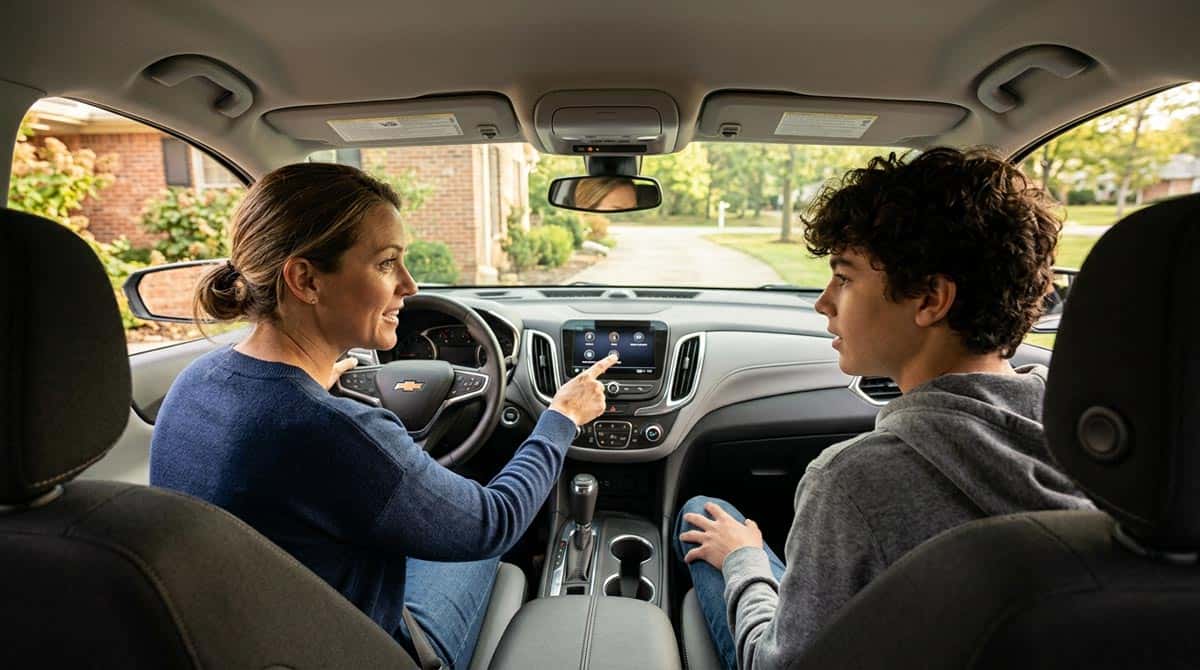
Quick Answer: The PIN-protected Report Card shows distance driven, maximum speed reached, the number of over-speed warnings triggered, and how often the accelerator was floored, giving parents a factual summary instead of a secondhand account.
Every trip taken on the registered key gets logged into a report parents can pull up through the same PIN-protected menu used to set everything up. It tracks distance driven, top speed reached, how many times the speed warning fired, and how often the accelerator was pressed hard enough to count as aggressive. On some Chevrolet models, it also shows whether safety systems were engaged during the drive.
The report card isn’t designed as a gotcha. It’s designed as a conversation starter. A teenager who knows the car is quietly keeping score tends to drive differently than one who assumes nobody’s watching, and a parent who can point to an actual number, three over-speed warnings on the way to practice, say, has a much easier conversation than one built entirely on suspicion.
Chevy vs. GMC vs. Buick: Small Differences to Know
The core feature set is nearly identical across Chevrolet, GMC, and Buick, since it’s built on the same underlying GM platform. The differences are mostly in framing and availability rather than function. GMC’s version emphasizes the same speed, volume, and Buckle to Drive controls across models like the Terrain, Acadia, and Sierra. Buick, which offers Teen Driver on select SUVs like the Envision rather than across its entire lineup, uses the same Manage Settings menu structure with Buckle to Drive, Speed Limiter, Speed Warning, and Audio Volume Limit as the core adjustable items. If you’re cross-shopping between brands specifically because of this feature, the honest answer is that the experience will feel almost identical no matter which badge is on the hood.
FAQ
How do I turn on Teen Driver mode on my Chevy or GMC?
With the vehicle in Park, go to Settings, Vehicle, Teen Driver on the infotainment screen, create a four-digit PIN, then register your teen’s key fob and configure the speed, volume, and Buckle to Drive settings.
Does Teen Driver mode cost extra?
No. It’s a standard, built-in feature on most current Chevrolet, GMC, and Buick models, activated through the infotainment system at no additional cost.
Can my teen turn off the restrictions themselves?
No. The settings are protected by the four-digit PIN created during setup, and certain safety systems like stability control and forward collision alert timing can’t be disabled at all while Teen Driver mode is active.
What is Buckle to Drive?
Buckle to Drive prevents the vehicle from shifting out of Park for 20 seconds after the brake is pressed if the driver, or on some vehicles the front passenger, hasn’t fastened their seatbelt. On certain models it’s always on while Teen Driver mode is active.
What does the Teen Driver Report Card show?
It shows distance driven, maximum speed reached, the number of over-speed warnings triggered, and how often the accelerator was pressed hard enough to count as aggressive, viewable through the same PIN-protected menu.
Does Teen Driver mode work with Super Cruise?
No. Hands-free Super Cruise driving assistance is disabled while a vehicle is in Teen Driver mode, even on models that otherwise support it.
Quick Checklist: Setting Up Teen Driver Mode Right
- Create a PIN your teen can’t guess, and don’t share it with them.
- Register the specific key fob your teen will actually carry day to day.
- Set the Speed Warning below the Speed Limiter so your teen gets a chime before they’d ever hit the hard cap.
- Turn on Buckle to Drive, even if your teen already buckles up out of habit.
- If the vehicle has Keyless Open and Start, make sure only the registered fob rides along, not a spare “just in case” fob.
- Check the Report Card after the first few drives and talk through it together, not just after something goes wrong.
Final Thoughts
Teen Driver mode won’t make a new driver experienced overnight, and it isn’t meant to. What it does is put a few reasonable guardrails in place during the months when a new driver is building habits that will stick for the rest of their life, and it gives parents an honest picture instead of a guess. It’s already sitting in a lot of Chevy, GMC, and Buick vehicles right now, unused, which makes it one of the easiest safety upgrades a family will never see a bill for.
Not sure if your current Chevy, GMC, or Buick has Teen Driver mode, or shopping for a new one with a teen driver in mind? Explore new Chevrolet inventory or new GMC inventory, or contact us and our team can walk you through setup at one of our Central Wisconsin locations.
About the Author
Branden Bodendorfer is Director of Marketing for Wheelers Family Auto Group, a six-rooftop Chevrolet and GMC dealer group serving Central Wisconsin since 1964. He writes about GM technology, new and classic Chevrolet and GMC vehicles, and the Central Wisconsin communities Wheelers serves.
Sources
- Chevrolet.com, “Teen Driver Safety Feature”
- GMC.com, “Teen Driver Safety Feature”
- Capital One Auto Navigator, “What Is Chevrolet’s Teen Driver?”
- Dave Sinclair Buick GMC, “How Do I Activate The Teen Driver Mode in My Buick Envision?”
- Kelley Buick GMC, “GMC Teen Driving Technology”
- Chevrolet.com, “Teen Driver Technology”




0 comment(s) so far on How to Enable Teen Driver Mode on Your Chevy or GMC