


 DIFFERENCE

How to Program Your Garage Door Opener in a GMC Truck
GMC Tech Tips
By Branden Bodendorfer, Director of Marketing, Wheelers Family Auto Group | July 17, 2026
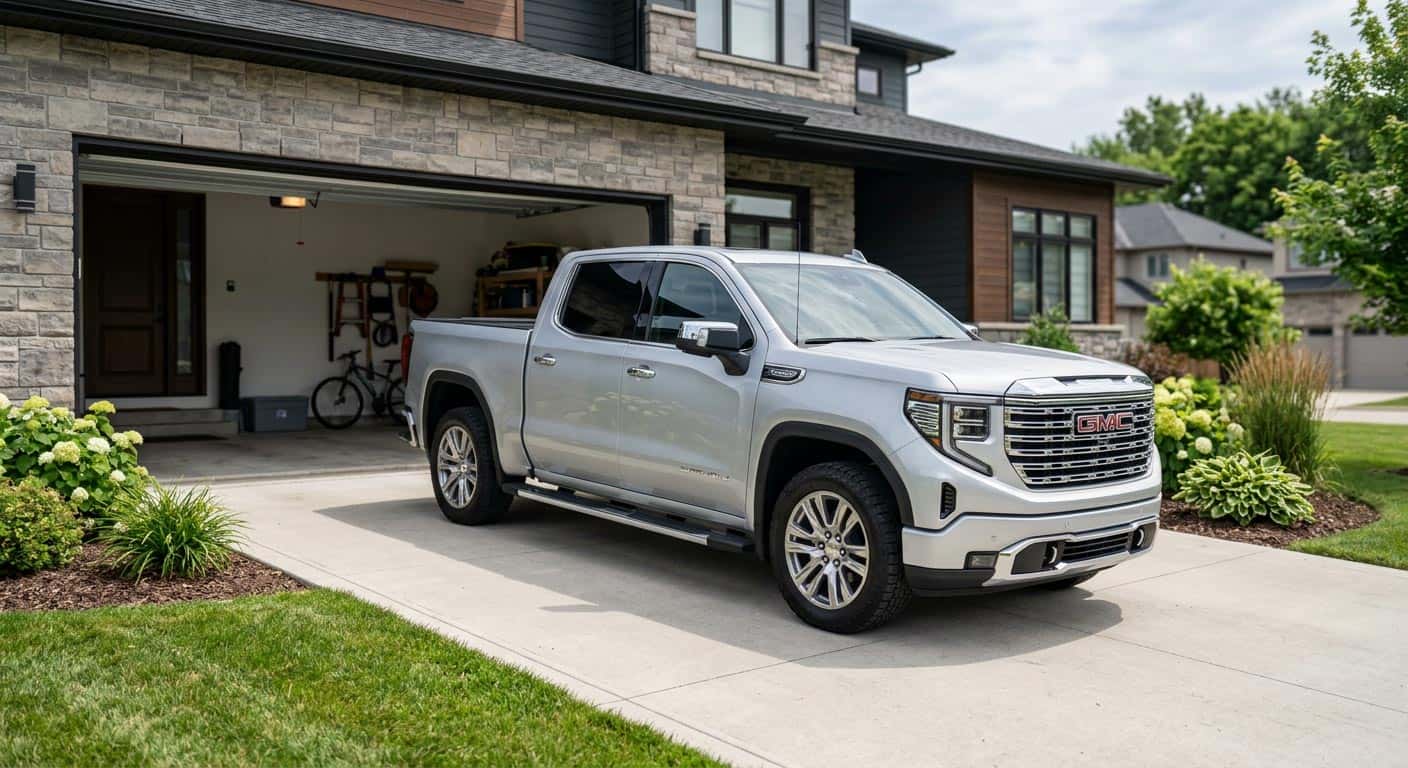
Quick Answer: Newer GMC Sierras with a touchscreen use the Universal Remote System under the Controls app, while most Sierras built before 2022 use the classic three-button HomeLink setup on the mirror or visor. Either way, you’ll pair your handheld garage remote to the truck in a few minutes, with one extra step if your opener uses a rolling security code.
In This Article
One of the most underrated features on your GMC Sierra is HomeLink, the built-in remote system that lets you open and close your garage door right from your truck’s mirror, visor, or touchscreen. No more digging through the console for a clunky remote clipped to your visor. Once it’s set up, it just works.
The programming process looks a little different depending on how new your Sierra is. Trucks from around 2022 and newer use a touchscreen-based Universal Remote System, while most Sierras built before that use the classic three-button HomeLink setup on the rearview mirror or visor. We’ve broken out the steps for both below, along with a few troubleshooting tips if your garage door doesn’t cooperate on the first try.
What You’ll Need
- Your garage door opener’s handheld remote (with a fresh battery)
- Your GMC truck parked with a clear line of sight to the garage door receiver
- A few uninterrupted minutes, since some steps are time-sensitive
Method 1: Newer GMC Sierras with a Touchscreen (Universal Remote System)
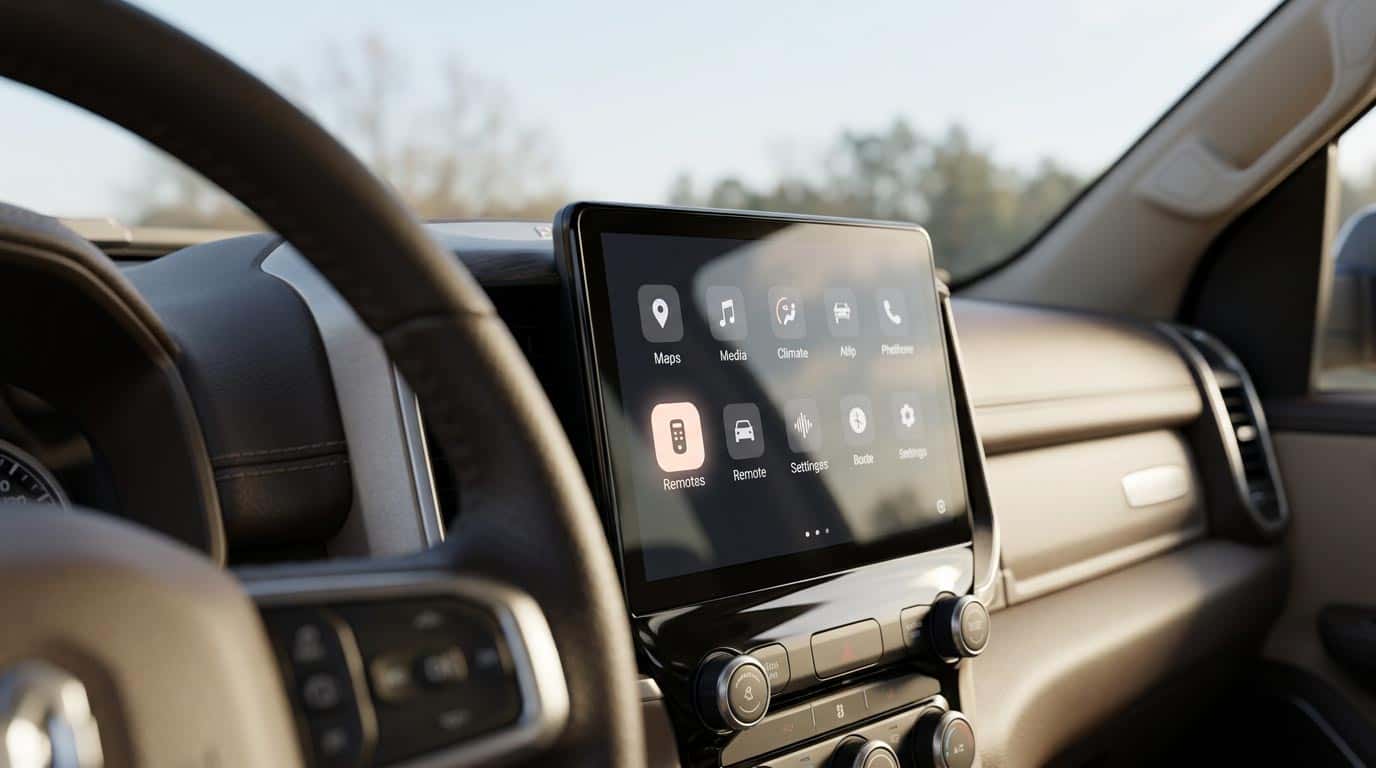
The Universal Remote System lives inside the Controls app on newer Sierra touchscreens.
Quick Answer: On Sierras with the Universal Remote System, you pair the truck to your garage remote through the Controls app on the center display, then test it before saving your home’s GPS location.
If your Sierra has the Universal Remote System built into the center display, here’s how to pair it:
- Park in front of your garage with a clear path between the truck and the garage door receiver.
- Bring your garage door opener’s handheld remote into the truck and make sure it has a good battery.
- On the center display, tap the Controls app, then tap Universal Remotes (you may need to tap “See More Controls” first).
- Tap Add Remote.
- Select “Yes” if your opener came with a handheld transmitter. If not, follow the alternate on-screen steps.
- Hold the handheld remote about 1 to 3 inches from your rearview mirror. Press and hold the remote’s button until “Signal Found” appears on screen.
- Tap the Test button on the screen. You may need to press it a few times.
- If the garage door moves, tap “It Worked” and you’re done. If it doesn’t move, tap “It Didn’t Work” and continue to the next step.
- Some garage door openers require you to press the Learn or Smart button on the receiver unit inside the garage (usually near the antenna wire), then return to your truck and press Test again.
- Once it’s working, tap the pencil icon to rename the remote so it’s easy to identify on screen.
Your truck will also remember the GPS location where you programmed the remote, so the garage door icon will pop up on your display automatically as you approach home.
Method 2: Classic HomeLink Buttons (Visor or Mirror)
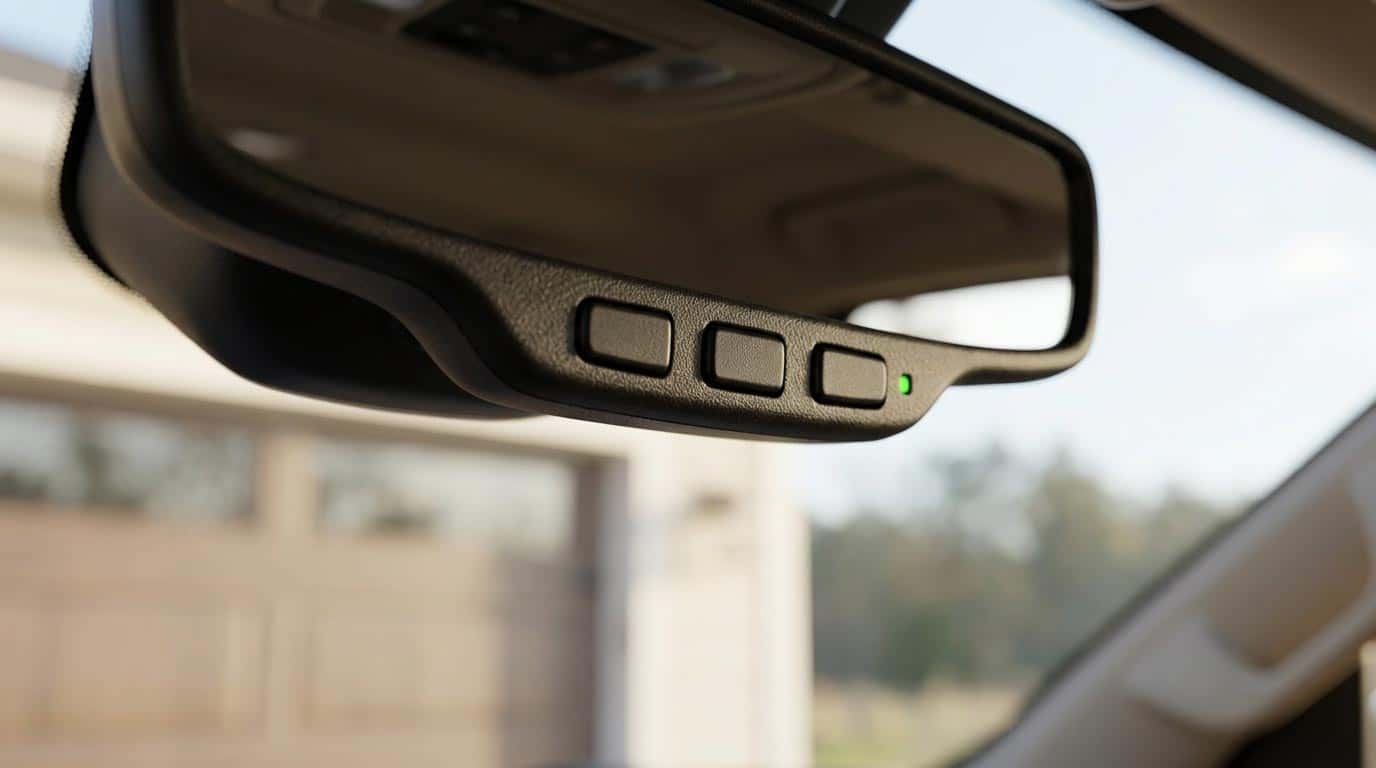
The classic three-button HomeLink setup is built into the rearview mirror on most Sierras built before 2022.
Quick Answer: On older Sierras, hold the garage remote next to the HomeLink buttons on your mirror or visor, press both at the same time, and hold until the indicator light goes solid.
If your GMC Sierra has the traditional three-button HomeLink setup on the rearview mirror, visor, or overhead console, follow these steps instead:
- Turn the ignition to the ACC or ON position, not all the way to Start/Run.
- Find the HomeLink buttons on your mirror, visor, or overhead console.
- Hold your garage door remote 1 to 3 inches away from the HomeLink buttons.
- Press and hold your chosen HomeLink button and the remote’s button at the same time.
- Keep holding both until the HomeLink indicator light starts flashing. If it flashes slowly and then turns solid, programming is complete.
If You Have a Rolling Code Garage Door System
Quick Answer: If the HomeLink light flashes fast instead of going solid, press the Learn/Smart button on the garage motor once, then press your HomeLink button three times within 30 seconds to finish pairing.
Many newer garage door openers use rolling security codes that change every time the remote is used, which adds one extra step:
- If the HomeLink indicator flashes slowly and then switches to a fast flash, your system uses rolling codes.
- Find the “Learn” or “Smart” button on the garage door motor unit, usually near the antenna wire.
- Press that button once. You’ll have about 30 seconds to complete the next step.
- Go back to your truck and press the programmed HomeLink button three times to finish pairing.
Troubleshooting Tips
If the signal isn’t picking up, try pressing and releasing the handheld remote button every couple of seconds instead of holding it down. Some garage door openers time out quickly, and this can help the system catch the signal in time.
If you’ve tried both methods above and it’s still not connecting, your specific garage door opener brand may need a slightly different process. Check your GMC owner’s manual, or look up your exact opener brand, Chamberlain, LiftMaster, Genie, Craftsman, or Sommer all have slightly different pairing quirks, for model-specific guidance.
FAQ
How many garage doors or devices can I program?
Most GMC trucks let you store up to eight remotes or devices through the Universal Remote System or HomeLink.
Do I need the original garage door remote to program HomeLink?
In most cases, yes. If your opener didn’t come with a handheld transmitter, check your owner’s manual for alternate programming steps.
Can I reprogram HomeLink if I get a new garage door opener?
Yes. You’ll just need to repeat the programming steps for the new unit. The old code won’t carry over.
What if my truck’s ignition needs to be all the way on?
It doesn’t. Programming only requires the ACC or ON position. Turning the key or push button all the way to Start/Run isn’t necessary and can interrupt the process.
Quick Checklist Before You Start
- Fresh battery in your handheld garage remote.
- Truck parked with a clear line of sight to the garage door receiver.
- Ignition in ACC or ON, not Start/Run.
- Know whether your opener uses a rolling code, so you’re ready for the extra Learn/Smart button step.
- A few uninterrupted minutes, since some steps time out quickly.
Final Thoughts
Programming HomeLink only takes a few minutes once you know which system your truck has, and it’s one of those small conveniences that makes daily driving a little easier. If you’re still having trouble getting your garage door opener paired up, stop by Wheelers and our service team will get it sorted in just a few minutes.
Still stuck, or shopping for a new GMC Sierra with the latest HomeLink and Universal Remote System features? Our team at Wheelers Family Auto Group can help you explore current Sierra inventory or get your questions answered at scheduled service. Stop by one of our Central Wisconsin locations, or contact us and we’ll get you sorted.
About the Author
Branden Bodendorfer is Director of Marketing for Wheelers Family Auto Group, a six-rooftop Chevrolet and GMC dealer group serving Central Wisconsin since 1964. He writes about GM history, new and classic Chevrolet and GMC vehicles, and the Central Wisconsin communities Wheelers serves.
Sources
- GMC.com, “Universal Home Remote | Vehicle Support”
- HomeLink.com, GMC Owner Programming Resources


0 comment(s) so far on How to Program Your Garage Door Opener in a GMC Truck